From empty
to full, in six taps.
Scroll. The phone stays put and the app moves through the whole session with you — no hidden onboarding wall, no "call our executive" dead end.
-
01
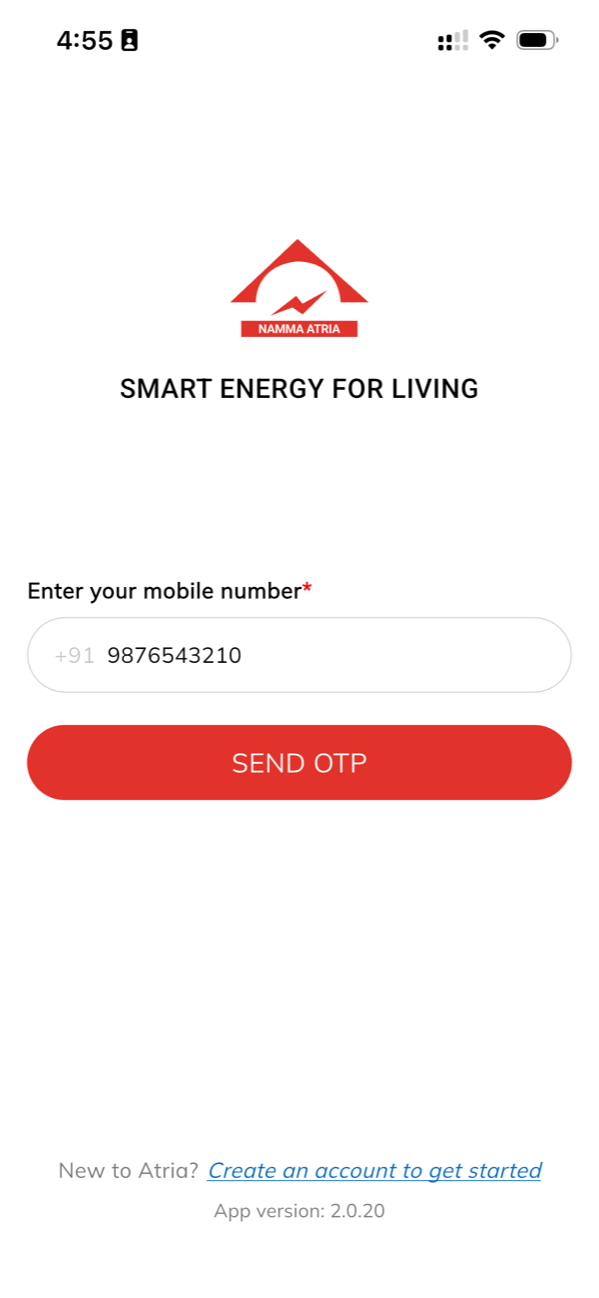
Sign in with
your numberEnter your mobile number and tap Send OTP. No password to forget and no email confirmation loop — the SMS lands in a few seconds and you are through.
- Mobile number and an OTP, nothing else
- New here? Register with name, email and number
- Accept the terms once, not every session
-
02
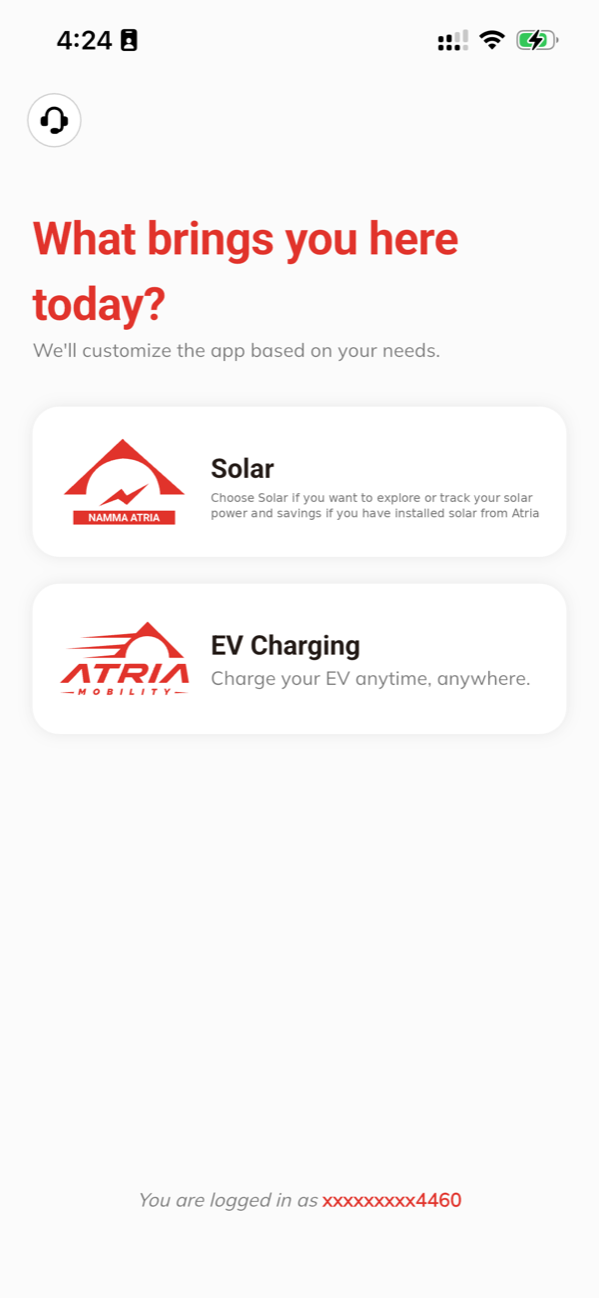
Tell it what
you came forPick EV Charging and the app becomes a charging app. Pick Solar and it becomes a generation dashboard instead. Atria runs both, so it asks once rather than burying half of itself in a menu.
- EV Charging for bays, sessions and invoices
- Solar for generation and savings, if you have Atria solar
- Switch whenever you like
-
03
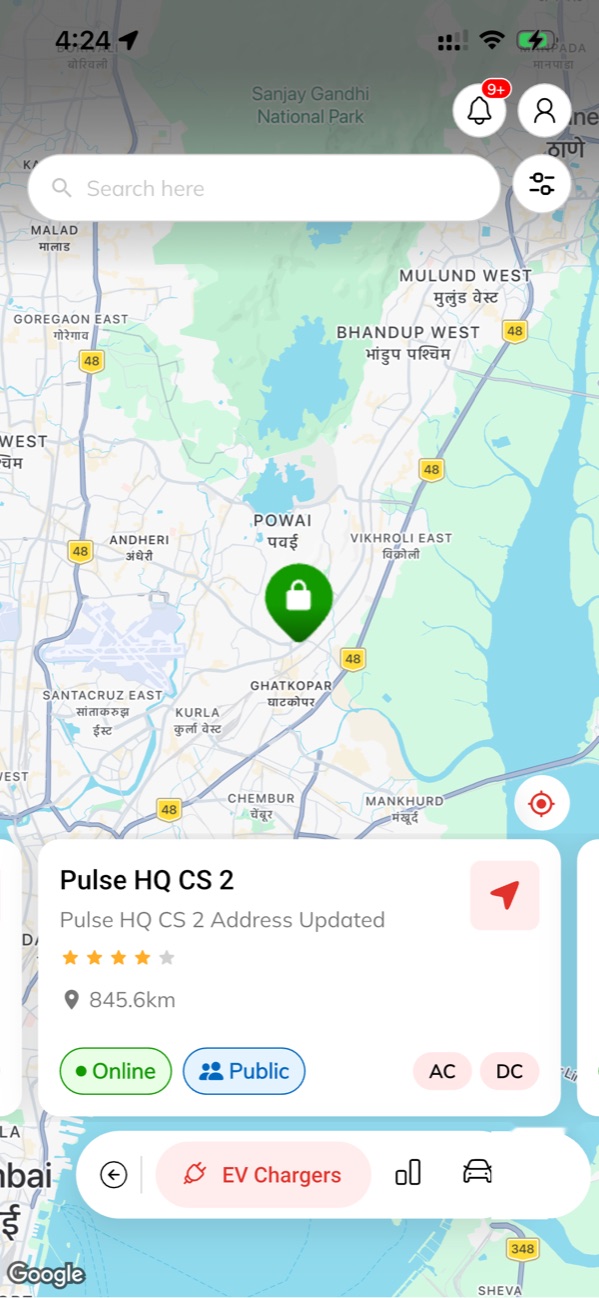
Find a bay that
is actually freeSearch, or just move the map. Tap a pin and the card tells you whether the site is online, how far it is, what it is rated and which connectors are free — AC, DC and the price per unit, straight from the charger.
- Filter the map, or jump to your location
- Online and availability read from the charger itself
- Navigate out to the hub in one tap
-
04
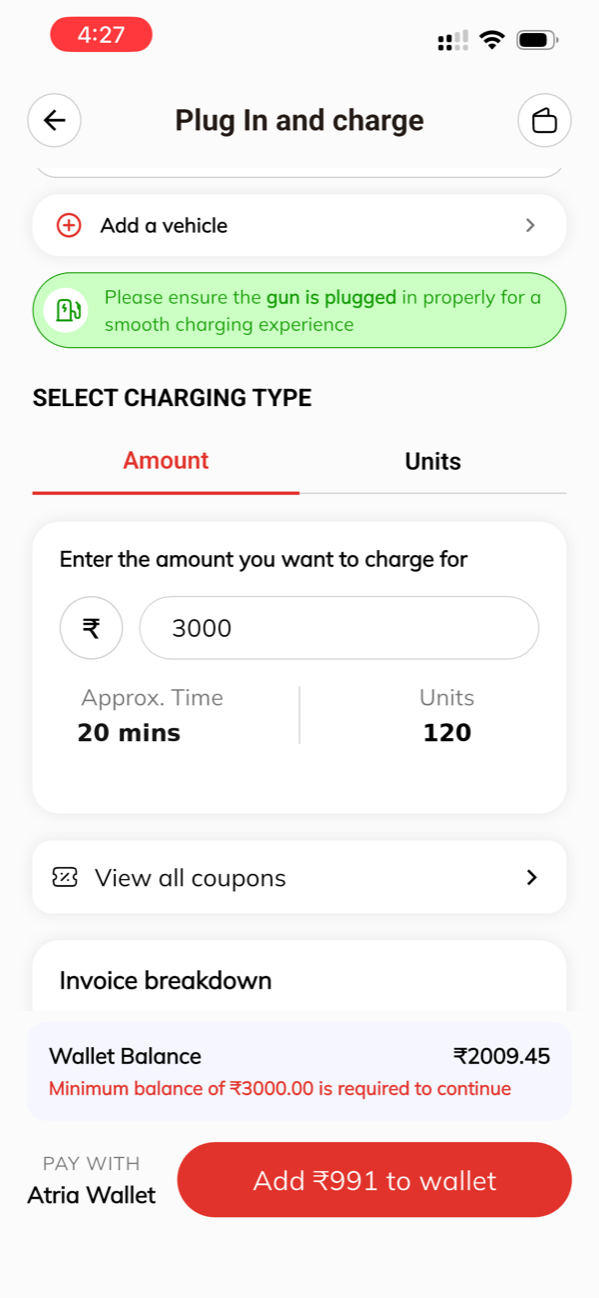
Plug in, set
your amountPush the gun home, then tell the app how much you want — by rupees or by units. It shows the approximate time and units before you commit and takes it from your Atria wallet, so there is nothing to settle at the bay.
- Charge by amount or by units
- Approximate time and units shown before you pay
- Coupons applied before the wallet is touched
-
05
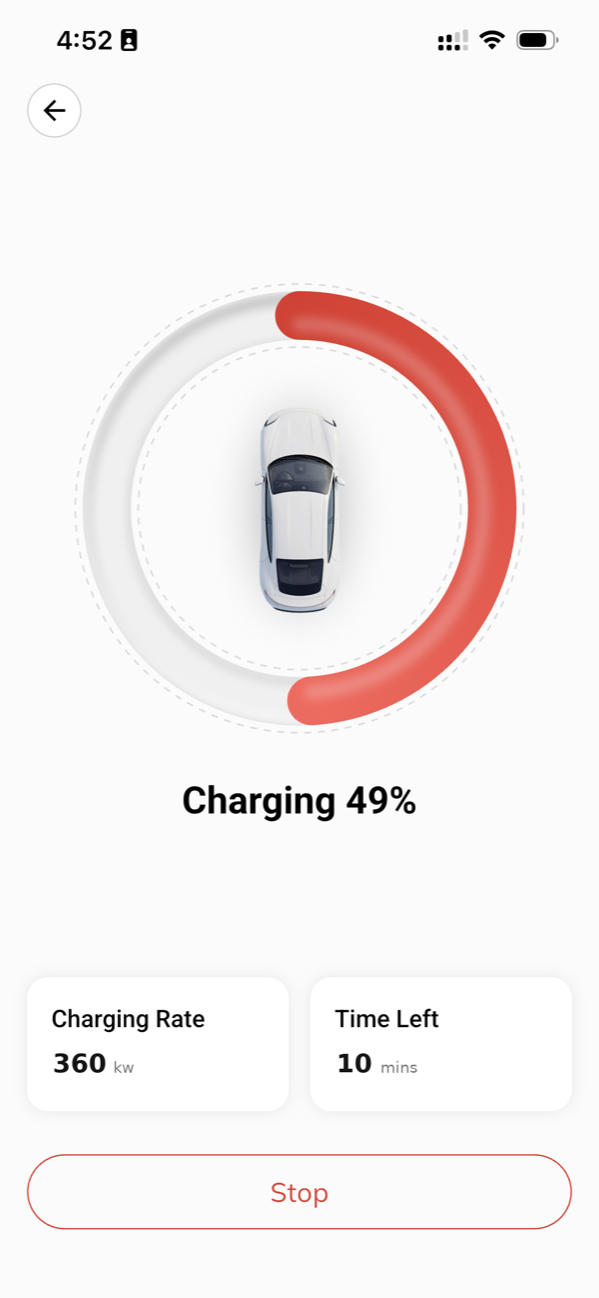
Watch the
curve, liveKilowatts, energy delivered, rupees spent and kilometres added, refreshed every few seconds. A push when you cross your target, and a nudge ten minutes before any idle fee could start.
- The real power curve, not a spinner
- Stop the session remotely from anywhere
- Taper explained on screen, not hidden
-
06
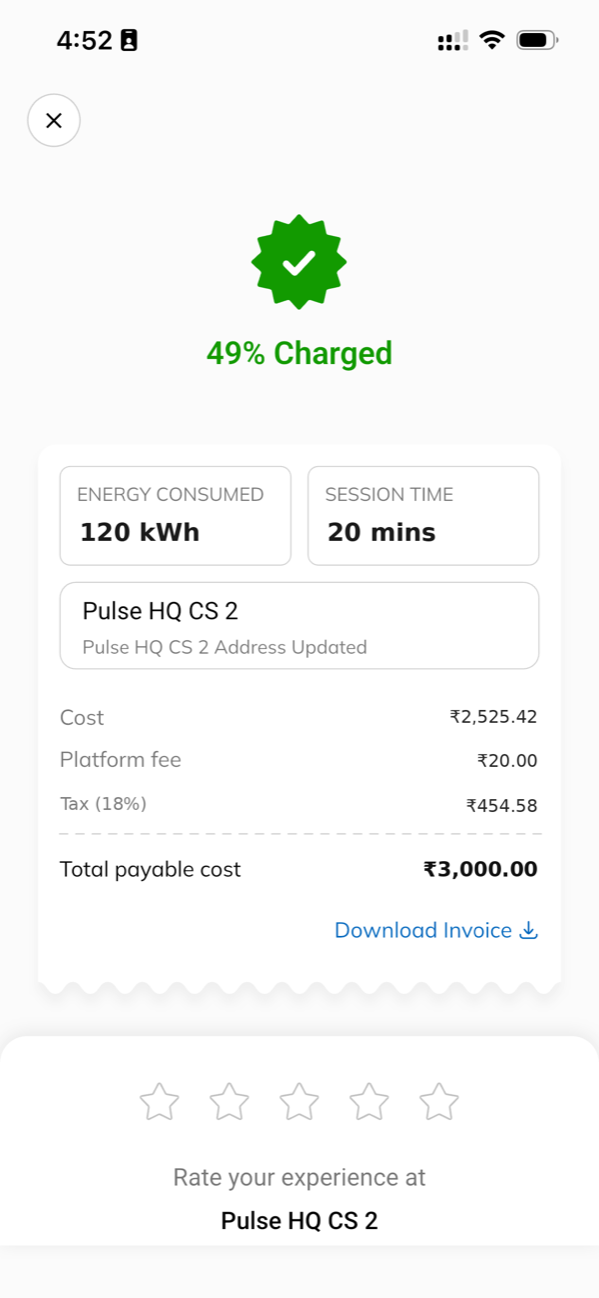
Paid up front.
Invoice after.You set the amount — or the units — before charging starts, and it comes out of your Atria wallet, so there is nothing to settle at the bay. The GST invoice appears on the summary screen the moment the session ends, itemised and downloadable.
- Itemised: energy, platform fee and GST
- Download the invoice, or find it in the app later
- Rate the hub on the same screen while you unplug
Six taps away from never queuing again.
Free to install, free to browse the map. You top up only what you plan to use, and the balance stays in your wallet.
Get Namma Atria